Evidence verification
Check RFP answers against the source documents
Read source quotes beside the draft. SavixRFP flags conflicts and some unsupported details so your reviewers know what to check.
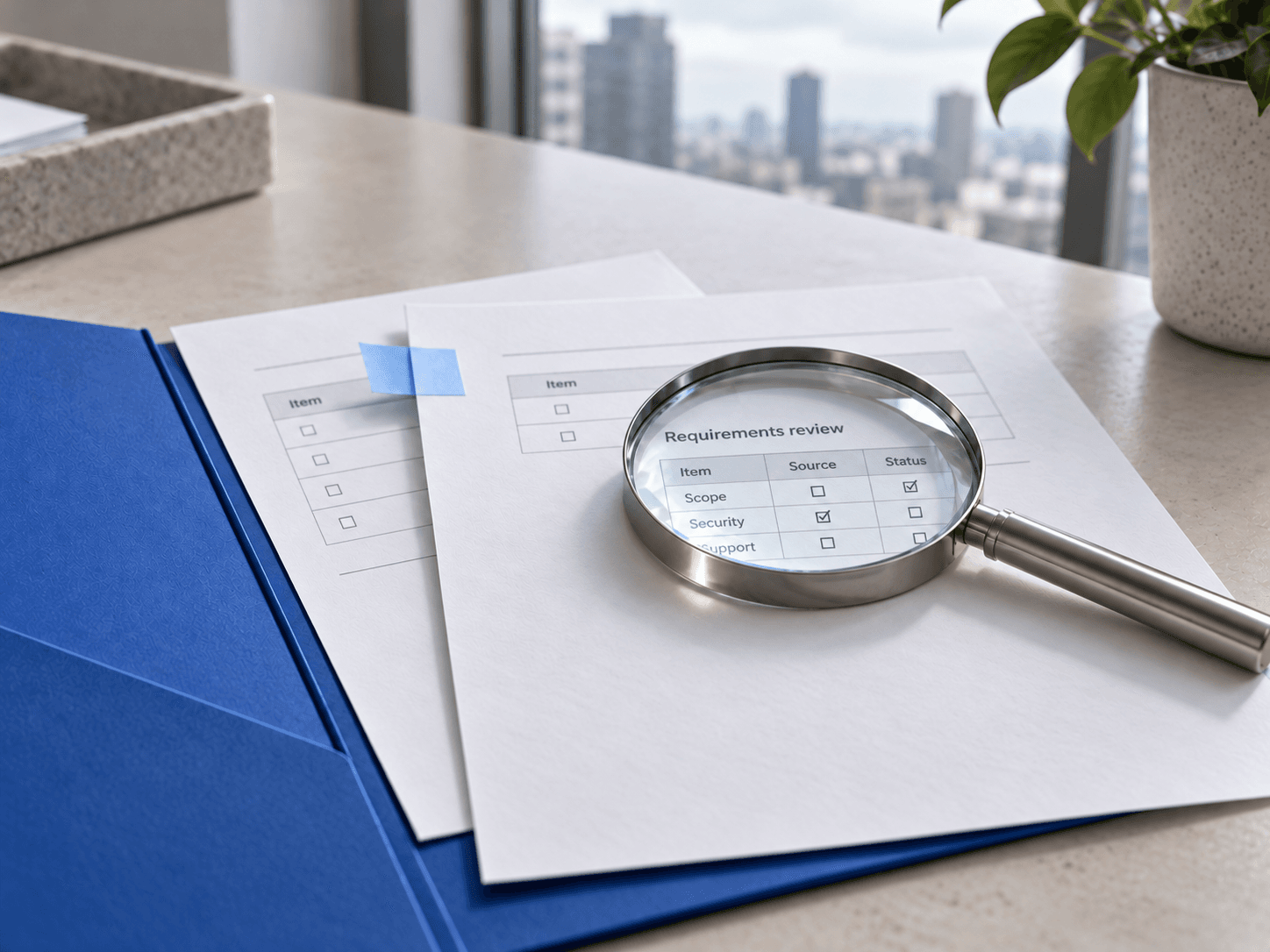
See what supports the answer
The review panel shows source quotes, conflicts, and requests for evidence. Your reviewer checks the source context and approves the final wording.
Sample buyer question
What support coverage and implementation timeline are included?
Sample source
Standard support is available Monday–Friday, 09:00–17:00 UTC. Implementation follows discovery, configuration, and acceptance.Suggested answer for review
Standard support is available Monday–Friday, 09:00–17:00 UTC. Implementation follows discovery, configuration, and acceptance; the delivery team will confirm the schedule for your scope.
Read the supporting quote
See relevant source quotes and document references alongside the answer. Open the source and check its context instead of trusting an isolated citation.
Find conflicting claims
When a claim conflicts with retrieved evidence, the review panel highlights the conflict. Resolve it by correcting the answer or updating the underlying source.
Check numbers and other details
Review numbers, percentages, dates, and certification claims. If supporting evidence is missing for a specific detail, SavixRFP can ask you to add a source.
Recheck after changes
Use on-demand verification after editing an answer. Review confidence signals together with the source material; a badge alone is not a guarantee that an entire response is correct.
Check the claims before human approval
- 1
Generate
Draft an answer from your company documents and Q&A.
- 2
Inspect
Read the supporting quotes and document context.
- 3
Resolve
Correct conflicts and add evidence for unsupported specifics.
- 4
Approve
Let the responsible expert make the final decision.
What to check in a trial
Does the source support the claim?
A document can support one sentence without supporting the rest of an answer. These fictional examples show how to check the wording against the source.
| Draft statement | Available evidence | Review action |
|---|---|---|
| The service includes onboarding. | The proposed service description explicitly includes onboarding. | Confirm the source applies to the proposed service, then approve the wording. |
| Support is available 24/7. | The support policy says business-hours coverage. | Resolve the conflict: correct the draft or obtain an approved service change. |
| Implementation takes two weeks. | The documents describe phases but do not state a duration. | Ask delivery for evidence and approval before retaining the number. |
| All editions support the feature. | The guide names only one edition. | Narrow the claim to the documented scope. |
In SavixRFP, supporting quotes appear in Sources, contradictions appear in Conflicts, and some unsupported figures, dates, or certification claims prompt a request for evidence. A missing quote can reflect missing or unretrieved information; it is not proof that the claim is false. Reverify after material edits and let the responsible expert make the final decision.
Run the claim-by-claim review with a downloadable worksheetDoes verification guarantee a correct response?
No. Retrieval and AI checks can miss context or incomplete source material. Always review the original evidence and have an accountable expert approve material claims.
What happens when a source contradicts the answer?
Conflicting evidence is highlighted in the review panel. Your reviewer needs to decide whether to revise the response, correct an obsolete document, or ask the appropriate owner for clarification.
Does a citation mean the whole answer is supported?
No. A document may support one claim without supporting the rest. Check each material statement, especially quantities, dates, service levels, and certifications.
Can I verify an edited answer again?
Yes. The workflow supports on-demand reverification so reviewers can check the revised answer against the available evidence.
More about SavixRFP

Draft your next RFP response
Use your company documents and Q&A to draft answers in SavixRFP. Your reviewers can check source quotes and edit the responses before export.